
Design Basics
11 stories
-
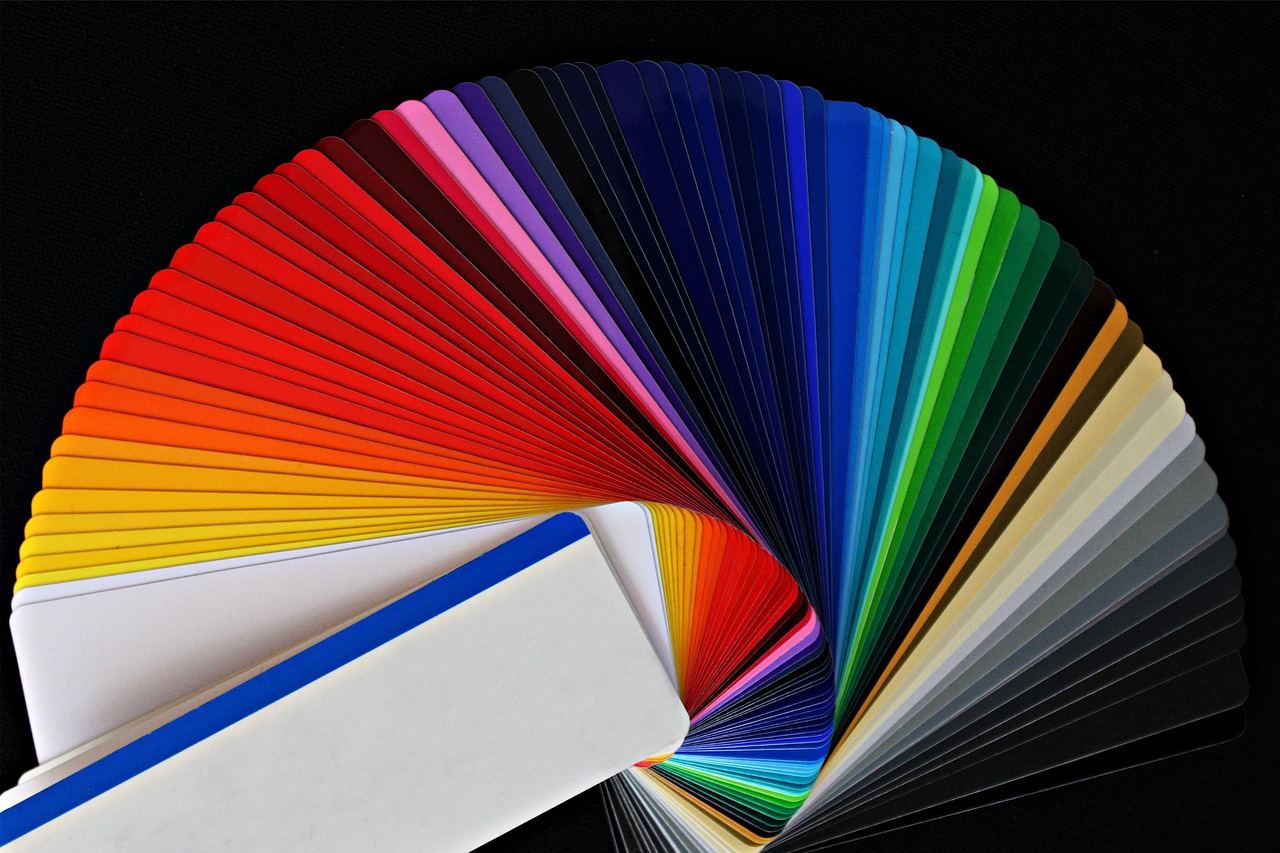
Choosing a Color Palette for a Design Project
Unsure where to begin with all those swatches? Here’s how to choose a color palette: pick one base color, add a few supporting colors and neutrals, then check contrast. You’ll end up with a palette that looks calm and reads clearly. This guide is part of the wider graphic design basics collection, so it sticks…
-

Raster vs Vector Graphics: Which to Use and When
Stuck on raster vs vector before you export a file? Use raster for photos and rich color blends, and vector for logos, icons and type that must scale cleanly. This guide sits within our graphic design basics collection, so start there if you want the wider picture. Sources: G2 and Aalto University. Figures and format…
-

How to Teach Yourself Graphic Design Step by Step
You want to know how to learn graphic design without drowning in software tutorials. Start with the fundamentals (type, color, layout and hierarchy), then practise on small projects. A short beginner course can give you the structure. This guide sits inside our wider look at graphic design basics, so you can step back to the…
-
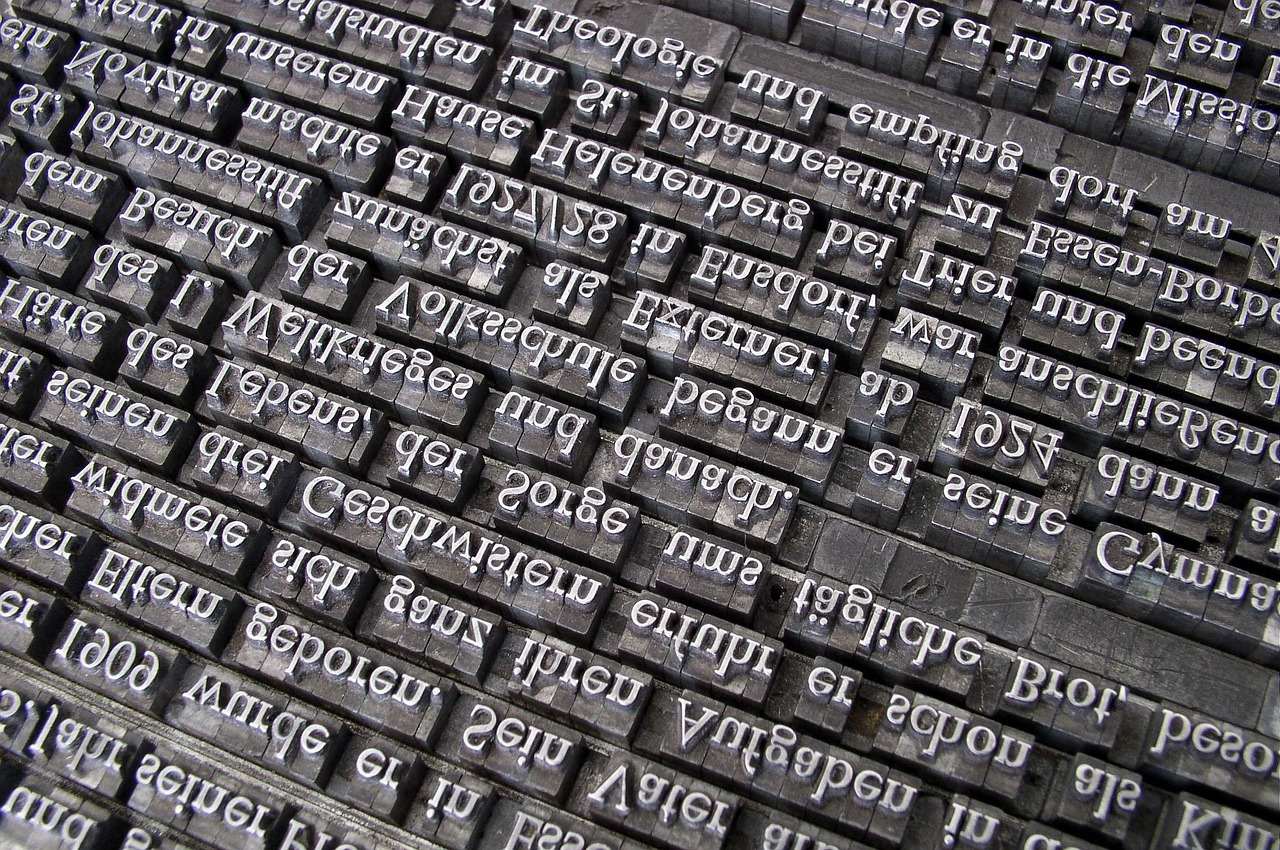
How to Pair Fonts So They Look Right Together
Font pairing feels like guesswork when every combination looks either dull or clashing. You can get it right by picking a clear contrast, giving each font a job, and matching proportions like x-height. Pairing is one skill within graphic design basics, so read that overview if you want the wider picture. These figures come from…
-
Using White Space (Negative Space) Effectively
Your layout feels cramped, and filling every gap seems safer. Using white space in design well means giving content room to be read, grouped and noticed: treat it as a tool, not leftovers. This page is one lesson in the wider guide to graphic design basics. These figures come from Adobe XD Ideas and A…
-

Graphic Design Basics: A Beginner’s Guide to Core Concepts
Starting out and not sure where to begin? Graphic design basics come down to a few core ideas: layout, hierarchy, type, color and space. Learn those and your work starts to look intentional. The figures above come from Baruch College MakerHub’s Basics of Graphic Design page and eCampusOntario’s Multimedia Communications text. Course pages change, so…
-
The 7 Elements of Design and How They Work Together
Wondering what the elements of design actually are? They are the building blocks every layout is made from: line, shape, form, color, value, space and texture. Learn each one and how they combine, and your work gets easier to plan. Start here if you are working through our guide to graphic design basics and want…
-
Typography Basics: Choosing and Using Type
Not sure why some text feels easy to read and other text tires your eyes? The typography basics come down to readable type, sensible line spacing and a comfortable line length. Get those three right and most layouts work. This guide is one part of the wider topic of graphic design basics. These figures come…
-
How Grid Systems Structure a Layout
Staring at a blank page and unsure where things go? Grid systems in graphic design give you invisible lines to align every element, so your layout feels organized instead of random. This guide is part of our graphic design basics series, so it sticks to the fundamentals you can use on your next layout. These…
-
Visual Hierarchy: Guide the Eye Through Any Design
Not sure where people look first on your design? Visual hierarchy is the order in which the eye reads elements, and you set it with size, color, contrast, spacing and placement. Decide what matters most, then make it loudest. This guide is part of our graphic design basics collection, where each page covers one core…