
You want to know how to learn graphic design without drowning in software tutorials. Start with the fundamentals (type, color, layout and hierarchy), then practise on small projects. A short beginner course can give you the structure.
This guide sits inside our wider look at graphic design basics, so you can step back to the big picture at any point.
| Item | Value |
|---|---|
| CalArts Fundamentals of Graphic Design: time to complete | 8 hours to complete |
| CalArts Fundamentals of Graphic Design: structure | 4 modules |
| CalArts Fundamentals of Graphic Design: entry level | Beginner, no prior experience required |
| Madecraft Graphic Design 101: time to complete | 6 hours to complete |
| Madecraft Graphic Design 101: structure | 6 modules |
These figures come from the course pages for CalArts’ Fundamentals of Graphic Design and Madecraft’s Graphic Design 101. Course details can change, so check the source before you rely on them.
Start with the fundamentals, not the software
Most beginners open a design app first and quickly get stuck. The CalArts course takes the opposite route: its page says that, unlike software-specific tutorials, the curriculum stresses making things and mastering design principles.
That same page is upfront that the course teaches conceptual and formal principles rather than technical software. It does not provide tutorials for Photoshop, Illustrator or InDesign, so you can carry what you learn to any program.
If you want a quicker first taste, Baruch College’s MakerHub offers a 15-minute video covering typography, layout, hierarchy and color. The page also adds a PDF slide deck and some free resources to build your foundation.
A four-part study path for beginners
The CalArts course is built around four pillars, and they make a sensible order for your own study plan. Work through them one at a time and make something at each stage.
- Imagemaking: create a series of original visuals using analog and digital techniques.
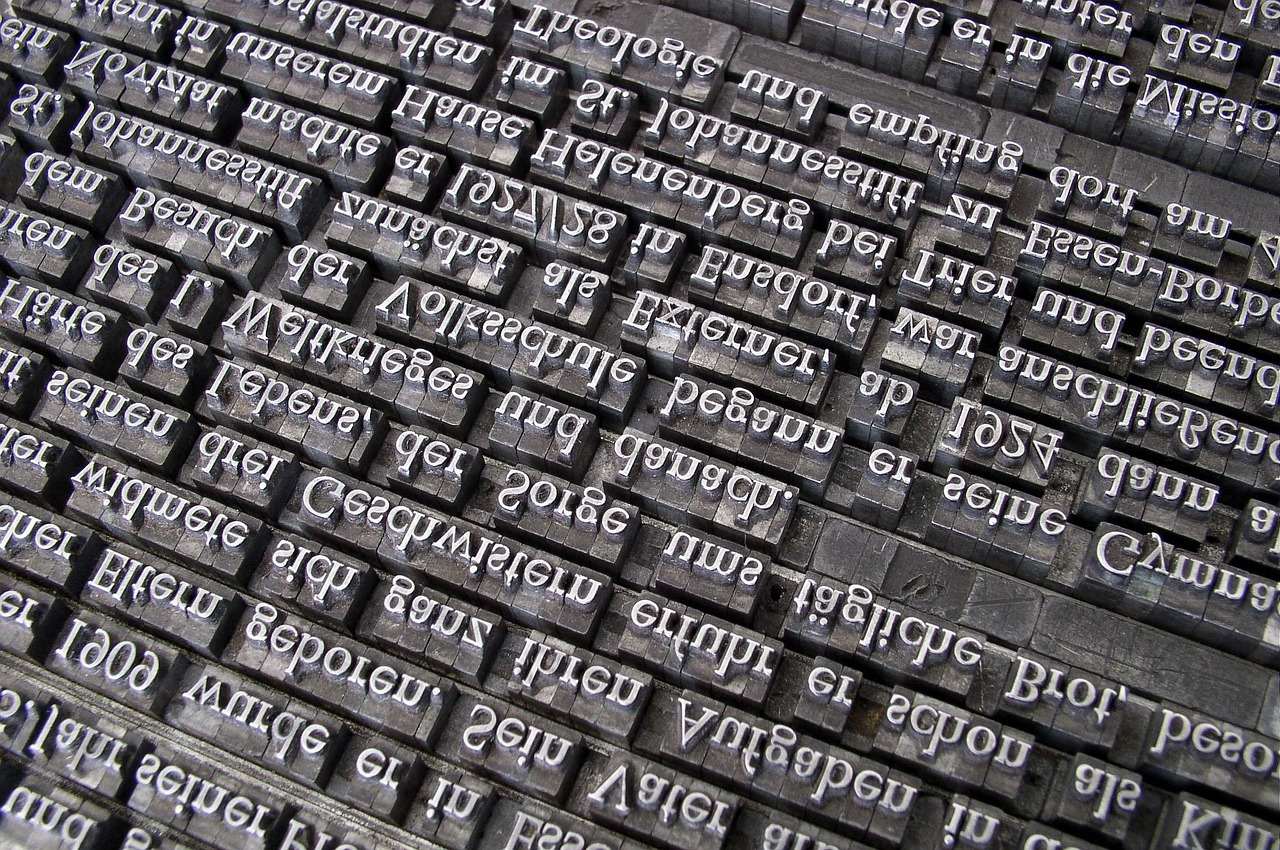
- Typography: learn letterform anatomy, spacing and typesetting, then experiment with letterforms.
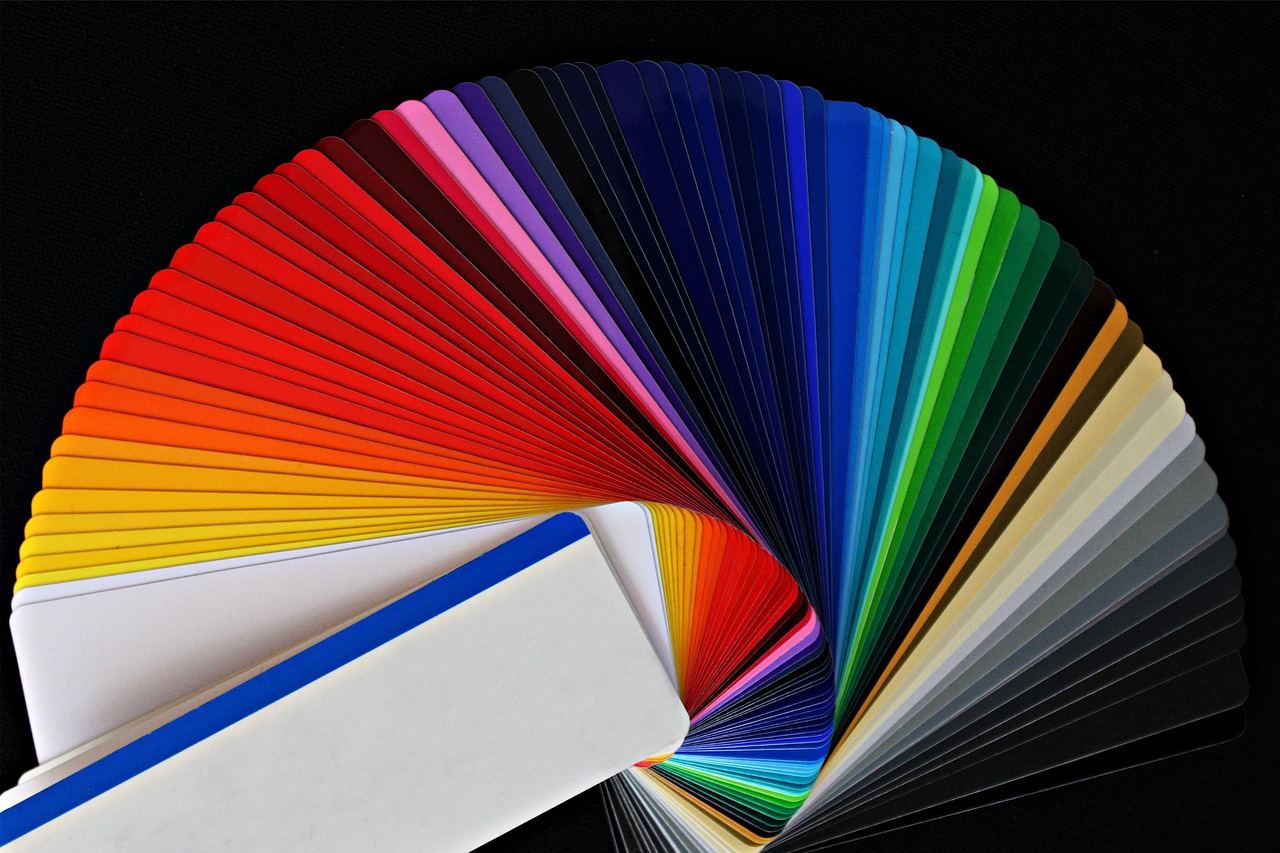
- Shape and color theory: explore visual contrast, the color wheel, rhythm and repeating patterns.
- Composition: practise visual hierarchy using scale, weight, direction, texture and spatial awareness.
On its course page, CalArts lists the whole sequence as 4 modules at beginner level, with 8 hours to complete and no prior experience required. Treat that as a starting point rather than a finish line, because skill grows with repeated practice.

Practise the CRAP principles on real layouts
Madecraft’s Graphic Design 101 runs to 6 modules and 6 hours to complete, and it is also aimed at beginners. It centers on the CRAP principles, a memorable acronym for four ideas you can apply to any layout:
- Contrast: make important differences obvious.
- Repetition: reuse elements so a design feels consistent.
- Alignment: line items up so the eye has a clear path.
- Proximity: group related items together and leave room around them.
The course then layers on the elements of design: line, shape, texture, balance, space and hierarchy. One of its readings is titled “The Empty Part of the Page Is Still Part of the Design”, which is a useful mantra for beginners who crowd every corner.
Once proximity makes sense, the idea of white space in design is a natural next topic to explore.
Choosing tools without getting locked in
This site has no affiliation with Adobe, Canva, Figma, Affinity or any other vendor, so nothing here is steered by a sponsor. That is a good mindset for you too: the tool matters less than the principles.
CalArts says projects may be completed in tools like Adobe Creative Suite, yet the curriculum is built to be applicable across any analog or digital toolset, as the course page explains. Pick one program, stay with it for a few projects and only then compare alternatives.
When you start choosing software, read up on raster vs vector so you know what kind of artwork you are making. For free extras, the Baruch MakerHub page links a font-pairing tool, a free font library and a color contrast checker.
Turn each lesson into a small project
Reading about design only gets you so far, so give every lesson an output. The CalArts modules already suggest several, and you can repeat them with your own subjects:
- A custom monogram, to practise type and letterforms.
- A business card layout, to practise typesetting in a tight space.
- A repeating pattern, to practise rhythm, shape and color.
- A poster, to pull composition and hierarchy together.
The CalArts page lists monograms, business cards, patterns and an optional final poster among its practical projects. After each one, ask which principle you used and where the eye goes first, then revise once.
Frequently asked questions
Do I need design experience before I start?
Show answer
No background is needed for the CalArts course, which its listing marks as beginner level. Curiosity and a willingness to make rough drafts matter more.
How long does it take to cover the basics?
Show answer
The two beginner courses cited here list 8 hours and 6 hours of coursework respectively, per the CalArts and Madecraft pages. Plan on much longer to feel fluent, since the practice projects are where skills settle in.
What should I practise first?
Show answer
Begin with the four topics in the short Baruch introduction: typography, layout, hierarchy and color. Pick one, make a small piece with it and then move to the next.
Which design program should I learn?
Show answer
Any mainstream one will do while you are learning, because the principles transfer between programs. Choose the one you can access easily and stay with it long enough to finish a few projects.