Stuck on Canva vs Photoshop and not sure which to learn first? Pick Canva for quick, template-based designs with a gentle learning curve, and Photoshop when you need pixel-level photo editing and are happy to climb a steeper curve.
This comparison is part of our guide to graphic design software, which sets both tools beside other options.
| Item | Value |
|---|---|
| Canva Free plan | $0 per month |
| Canva Pro (one user) | $18 per month |
| Photoshop Plan, single app | $20.99 per month |
| Creative Cloud, all apps | $54.99 per month |
| Canva discount for paying annually | 16% on Pro and Business plans |
| RAM Photoshop ideally wants | 16GB+ |
These figures come from Style Factory’s July 2026 update and Findstack’s November 2026 listing. Prices and plans can change, so check the source before you rely on them.
What each tool is built to do
Canva is an online design tool made to appeal to people who want eye-catching graphics with very little experience, as Trusted Reviews described it in April 2023. It launched in 2013, and Style Factory notes it is designed mainly for a web browser such as Safari, Google Chrome or Microsoft Edge.
Photoshop is built for power, precision and professional control, according to Jotform’s comparison, last updated in September 2026. Trusted Reviews adds that it is geared toward photographers, retouchers and digital artists.
In short, Canva starts from a template and Photoshop starts from a blank canvas of pixels. That single difference explains most of what follows.
How much do Canva and Photoshop cost?
Both are subscription products, and Style Factory points out that you cannot buy either one outright. You pay a monthly or annual fee for access instead.
As of Style Factory’s July 2026 update, Canva Free costs $0 per month and Canva Pro costs $18 per month for one user. Paying annually earns a 16% discount on Pro and Business plans, per the same page. A free plan exists, though Trusted Reviews notes it comes with limited features.
On the Adobe side, Findstack’s November 2026 listing shows the Photoshop Plan single app at $20.99 per month and Creative Cloud with all apps at $54.99 per month. The same listing shows Canva Pro at $12.99 per month, which does not match Style Factory’s figure.
That gap is a reminder that plan names, regions and promotions shift. Treat any price here as a starting point and confirm it on the vendor’s own pricing page.
Interface and learning curve
According to Trusted Reviews’ April 2023 comparison, Photoshop has a dark grey interface by default. Commonly used tools sit on the left of the screen, while layers, masks, adjustments and colours live on the right.
Canva, in the same review, has a light theme by default and lets you switch to dark mode in its settings. It puts almost all features on the left, behind categories such as Uploads, Text and Background, with a search bar to find what you need.
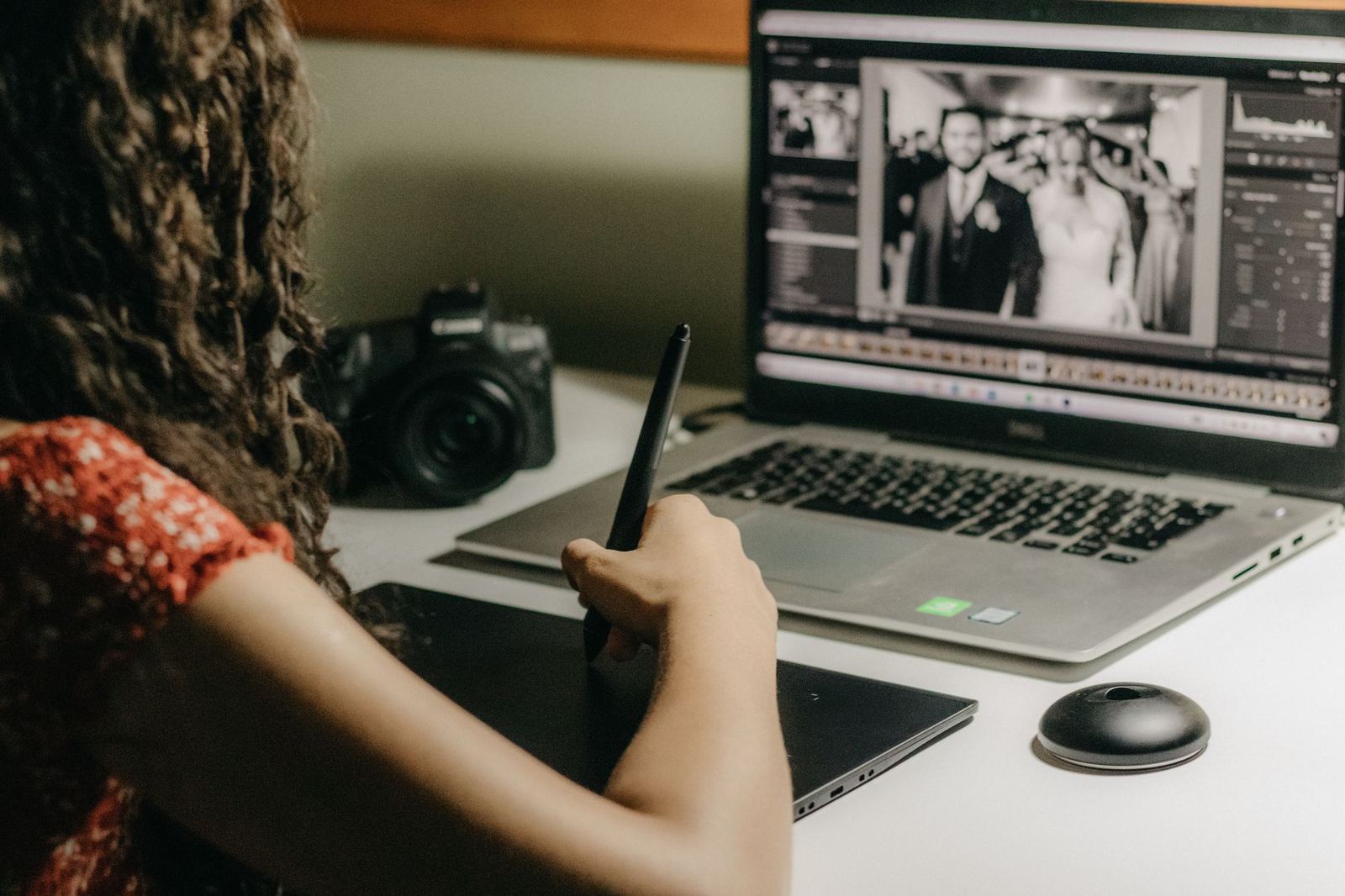
The bigger gap is how long it takes to feel competent. Style Factory says Photoshop’s learning curve is significantly steeper than Canva’s and that it can take months or even years to truly master. Findstack lists a steep learning curve for beginners among Photoshop’s drawbacks.
Features beginners notice first
Where Canva is stronger
- Templates: Jotform says Canva has millions of templates, from pitch decks and posters to YouTube videos and logos.
- Brand consistency: brand kits with logos, colors and fonts automatically adjust templates to fit your brand, per the same Jotform page.
- Quick photo fixes: Shotkit lists vignette, saturation, tint, brightness and contrast among its basic image editing tools.
Where Photoshop is stronger
- Non-destructive editing: Trusted Reviews says the layers function lets you edit without damaging the original.
- Heavy retouching: the same review mentions erasing background objects and compositing multiple images together.
- Freehand drawing: Shotkit notes you can draw on an image using a mouse or tablet.
Canva does have layering, but Shotkit says it is not as advanced as Photoshop’s. If you plan to sketch in Photoshop, our roundup of the best drawing tablet for graphic design can help you choose hardware.
Photoshop is also a pixel editor, and Findstack flags limited support for vector graphics. If logos and scalable artwork matter more to you than photos, read Photoshop vs Illustrator before you subscribe to anything.
Devices, hardware and offline use
Photoshop is a desktop application you install on your own computer, according to Style Factory. It recommends a decent Mac, PC or iPad with ideally 16GB+ of RAM, and says performance depends heavily on your graphics card.
As of that July 2026 update, a basic Photoshop for Web version is generally available but lacks many of the desktop version’s more powerful image manipulation features. Canva also gained a limited offline mode as of the same update, although templates, stock media, AI tools and collaboration still need a connection.
The practical upshot: Canva runs happily on an ordinary laptop, while Photoshop rewards a stronger machine.
Which one should you start with?
This site has no affiliation with Adobe, Canva or any other vendor, so the advice below is editorial. Style Factory’s verdict is that Photoshop is usually the better option for professional work that will be printed or shown at high resolution, while Canva suits a multi-purpose need.
- Start with Canva if you want posters, social posts or presentations done quickly and have no design background.
- Start with Photoshop if your work is photo retouching, compositing or print-ready imagery and you can invest learning time.
- Use both if your jobs vary, since each suits a different workflow.
Jotform frames it well: a social media manager producing graphics every day has very different needs from a product photographer creating a print ad. The same page adds that Affinity is now included with Canva as of its September 2026 update, and that Adobe Express is Adobe’s template-based Canva alternative.
Frequently asked questions
Can Canva replace Photoshop for a beginner?
Show answer
For flyers, social graphics and light photo tweaks, yes. For detailed retouching or compositing, Canva’s simpler tools will feel limiting, and that is where Photoshop earns its price.
Is Photoshop too hard to learn from scratch?
Show answer
It is learnable, but expect a slow start because the tool exposes a lot of control. Begin with one small task, such as cropping and colour correction, before tackling layers and masks.
Do I need to pay to use Canva?
Show answer
No, you can begin on the free plan. Style Factory says paid plans bring significantly more templates and royalty-free images, videos and audio.
Can I use Canva and Photoshop together?
Show answer
Nothing stops you, and many workflows mix them. Jotform argues the real question is selecting the appropriate workflow for your design needs, not crowning one winner.